
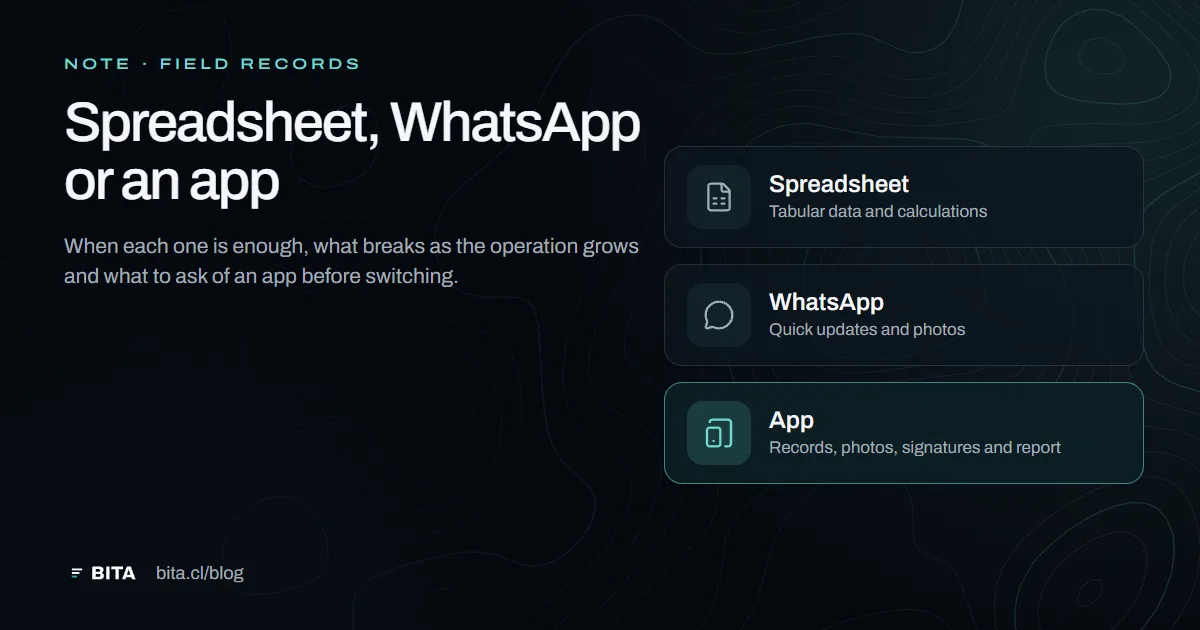
How it is recorded today
In many field service companies, a job is recorded in three places: a notebook or a spreadsheet for the data, a WhatsApp group for the photos and the updates, and a Word file or a PDF for the report sent to the client. It works, and that is why it is hard to change.
When a spreadsheet is enough
If you do few jobs a month, with a small team, and your client does not ask for evidence or history, a well-kept spreadsheet and a fixed report format may be enough.
Not every problem needs software. If one person records, reviews and sends the reports, and jobs are not repeated on the same assets, switching may cost more than it saves. What matters then is discipline: one spreadsheet, one report format and the photos saved under the name of the job.
What breaks as the operation grows
- Nobody knows which version is rightThe spreadsheet has copies on three computers and the report circulates in versions by email.
- Photos get lost in the chatWithout saying which pen, equipment or point they show, mixed in with the day's messages. Finding one from six months ago is almost impossible.
- Nobody knows who recorded what, or whenIn a spreadsheet, anyone with access can change a value later without it showing, and the date is whatever someone typed.
- There is no history per assetComparing today's inspection with the one six months ago means opening two reports and looking at the photos side by side.
- The report is built from scratch every timeWith the hours that costs after the job.
- The client cannot check anythingThey receive a PDF and have to trust that it is the latest and that nobody changed it.
Spreadsheet, WhatsApp and app, side by side
- Spreadsheet (Excel or Google Sheets)Good for tabular data and calculations. It does not attach photos to the data, carry signatures or build reports, and anyone with access can change a value later. Free or nearly free.
- WhatsAppGood for quick updates and sending photos from the field. The photos stay in the chat, without data or order, and depend on each person's phone. It is not a record.
- A field recording appRecords on site, with the author and time set by the system, attaches each photo to what it supports, carries signatures and builds the report. It has a cost and requires organising information up front: clients, sites and assets.
What to ask of an app before switching
- That it works without signal where you need itAt a fish farm, a plant or on a rural road there is not always coverage. The record has to be kept on the device and uploaded later, without losing anything.
- That the photo stays attached to the dataTaken from the finding or the point it supports, not uploaded separately.
- That the report comes out of the recordIn a fixed format, without copying and pasting.
- That the client can check itA report number and a verification code —a QR code, for example— that tell whether the document is authentic and still valid.
- That the data is yoursThat you can download all of it, in Excel or another open format, whenever you want. Otherwise you are locked in.
- That it fits your line of workA diver, an ROV and a laboratory do not record the same things. If the app makes everyone fill in the same form, people go back to the spreadsheet.
- That you can try it on a real jobBefore deciding, record one complete job and look at the report it produces.
It is the list we check BITA against, and it works for evaluating any app, ours included.
How to switch without stopping the operation
Start with one service and one client, not the whole company. Load the structure first —the sites, their pens, the equipment— and leave the paper history where it is. For a few weeks, record in the app and compare the report it produces with the one you used to make. We go into more detail in the guide to online records.
